OfficeDesk.ai
INITIALIZING NEURAL CORE
00% SYS_SYNC_ACTIVE
THE AI OFFICE

Build your AI office, department by department

An AI office sounds simple; standing one up is not. OfficeDesk.ai lets you assemble departments of specialist AI support that work alongside your team, inside the tools you already use. One instruction in, one coordinated outcome out.

The operating model: supervise, delegate, report

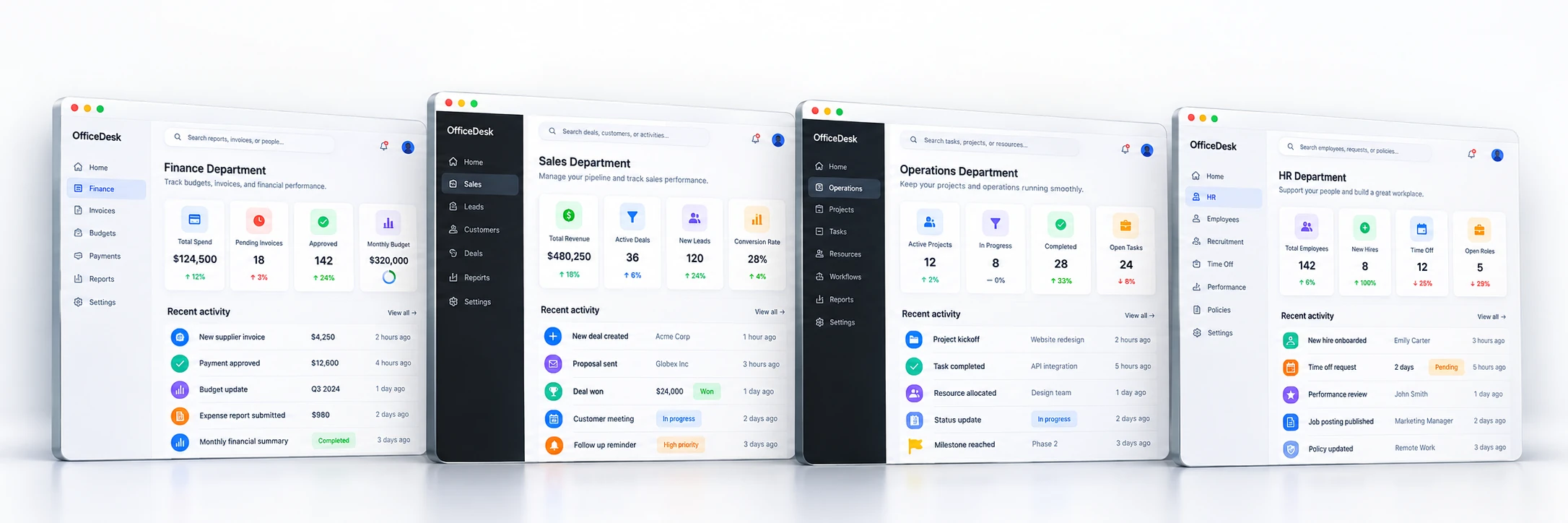
Each department runs like a real team: a manager that owns the outcome and the specialist agents it delegates to. You give one instruction; they coordinate the rest and report back for your approval. Switch between departments below, from ready-made templates to teams you build yourself.

Finance

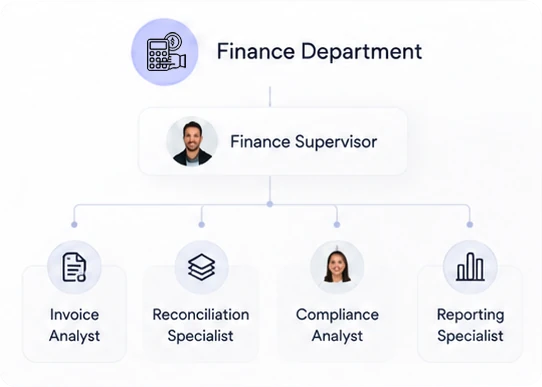
Keep the books current with a structured finance team. A Finance Manager owns the monthly close while leads run bookkeeping, payables, receivables and compliance.

Tech

Ship software with a structured engineering team. A Project Manager drives delivery while the Tech Lead directs coding agents.

Marketing

Drive growth with a coordinated marketing team. A Marketing Manager owns the outcomes while leads run content, analytics and social.

Blog Publishing

Research, write and ship posts with a small editorial team. A Managing Editor owns the calendar while leads run research, editorial and publishing.

Customer Support

Resolve customer messages with a coordinated support team. A Support Manager owns response times while leads run the shared inbox, escalations and help content.

People / HR Ops

Run people operations with a coordinated HR team. An HR Manager owns the employee experience while leads handle onboarding, records and internal comms.

Step by step

Design your office in four steps

From your first department to approving the finished work, building your AI office is always the same four steps.

  1. 01

    Create your departments

    Start from a ready-made template, Finance, Tech, Marketing or Blog Publishing, or a blank Custom department. Each one arrives with a manager that coordinates the work, so the workspace mirrors how your business is organised.

  2. 02

    Add specialised AI support

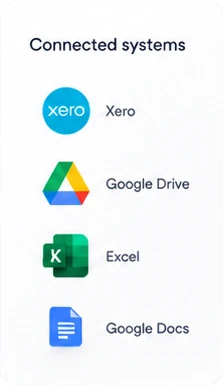
    Give each department the specialist agents its work needs, then switch on the skills each one uses, from inbox monitoring to document extraction and reporting. Connect the tools they run in, like Xero, QuickBooks, Gmail and Slack.

  3. 03

    Assign work and files

    Hand over tasks, whole processes and the files that go with them, in plain language. A supervisor coordinates the work end to end while each department carries out its part across your connected tools.

  4. 04

    Review progress and outcomes

    Everything reports back to you, reviewable and traceable. Approve what matters, keep full visibility on what is happening, and refine over time. You supervise; the manual work is handled.

01

Create your departments

Open the workspace and add a department from a ready-made template or a blank canvas. Each one lands with a manager already in place, ready to coordinate the agents you add next.

Finance Tech Marketing Blog Publishing Custom

Add a department

1 / 3
Finance

Document intake, payables, receivables, reconciliation, compliance and reporting.

Tech

A Project Manager drives delivery while the Tech Lead directs coding agents.

Marketing

Agents for content, analytics and social media to drive growth.

Blog Publishing

Research, draft, review and publish posts with a small editorial team.

Custom

Start from scratch with just a manager and build the team yourself.

Create
02

Add specialised AI support

Add the specialist agents each department needs, then switch on the skills they use, from monitoring an inbox to extracting documents and building reports. The manager delegates to them and reports back to you.

Department manager Specialist agents Toggle skills

Edit Department Manager

Communication

Monitor inbox
Send & reply
Watch conversations

Documents & storage

Document extraction
Sheets: reporting
03

Assign work and files

Hand over a task, a whole workflow, and the files that go with it, in plain language. Each department picks up its part across your connected tools and keeps the work moving.

Files Workflows Plain language

Files

Q3-invoices.pdf2.4 MB
bank-statement.csv88 KB
vendor-contract.docx1.1 MB
receipt-scan.png640 KB
04

Review progress and outcomes

Watch the work land in a live activity feed, reviewable and traceable. Approve what matters, keep full visibility, and refine over time. You supervise; the manual work is handled.

Reviewable Traceable You approve

Activity

Bank reconciliation completed2m ago
3 invoices processed14m ago
Inbox triaged, 2 flagged31m ago
Awaiting your approvalnow
Approve

Start with autonomous bookkeeping

The fastest place to feel the difference is finance. OfficeDesk.ai reconciles your bank activity and keeps your books current, so the monthly close stops being a scramble.

Bank reconciliation

The Reconciliation Agent matches transactions against your accounting system and flags what needs a human decision, continuously rather than once a month.

Books kept current

Categorisation and routine entries are handled in Xero or QuickBooks as activity comes in, so your numbers are ready when you need them.

You approve what matters

Anything ambiguous comes to you with the context to decide quickly. The AI does the legwork; the judgement stays yours.

Integrations

Works inside the tools you already use

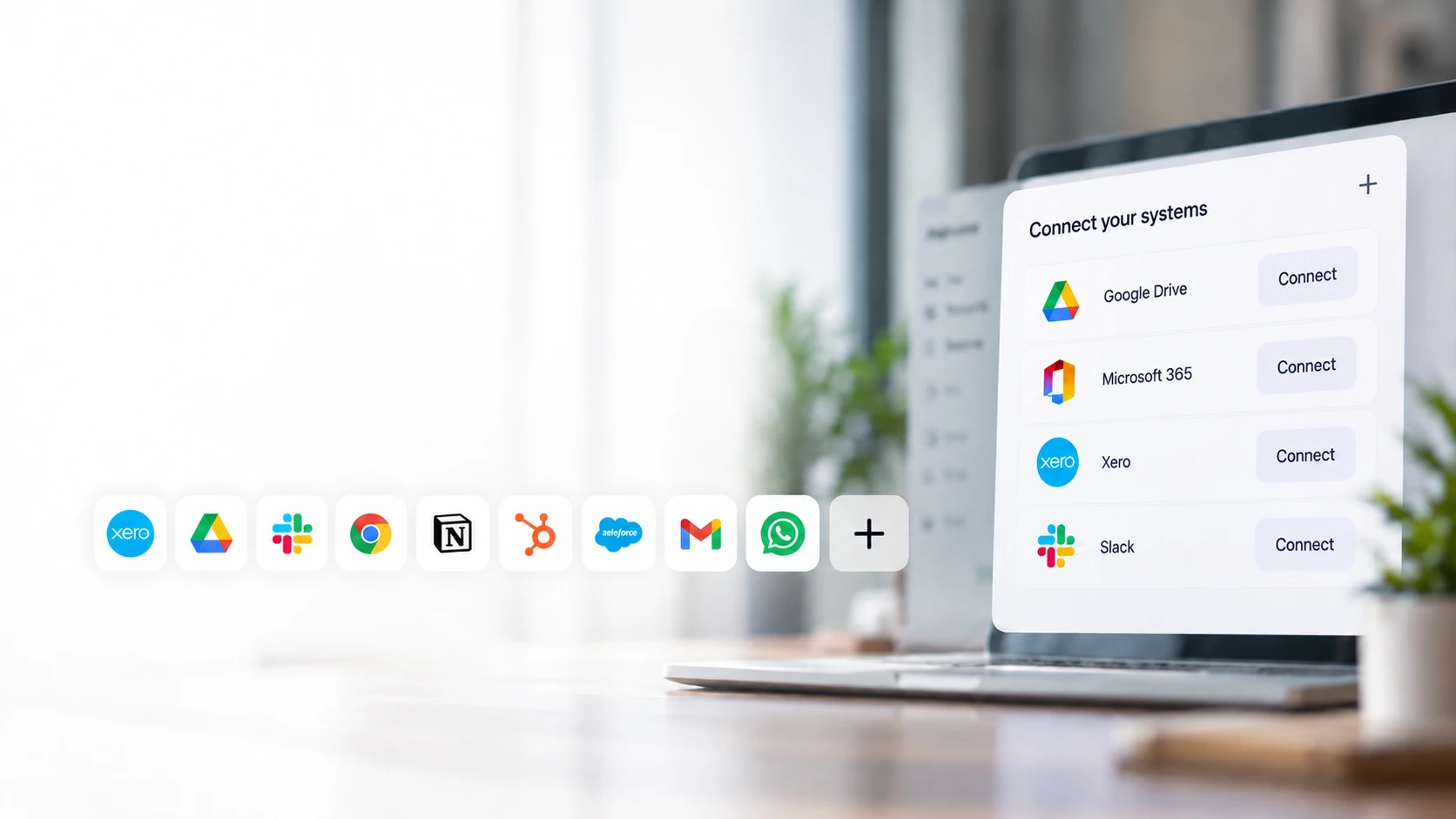
Your AI-powered departments connect to your existing stack rather than asking you to move your data somewhere new.

Xero
QuickBooks
Gmail
Outlook
Slack
Google Drive
Google Sheets
Jira
Dropbox
AWS

Questions about the AI office

What is OfficeDesk.ai?

OfficeDesk.ai is an AI-powered operations team that works alongside your own. Instead of one general chatbot, it runs specialised, department-based AI support, supervised by you, that connects to the tools your business already uses and carries out the routine back-office work.

How does the delegation model work?

You hand a task to the AI supervisor. It breaks the work down, delegates each part to the department that owns it, the work is carried out across your connected tools, and the results report back up for your review. One instruction in, one coordinated outcome out.

Which tools does it connect to?

OfficeDesk.ai connects to the SaaS tools businesses already run on, including Xero, QuickBooks, Gmail, Outlook, Slack, Google Drive and Sheets, Jira and Dropbox. Your AI-powered departments work inside these tools, so there is nothing to migrate.

What can it do first?

The flagship workflow is autonomous bookkeeping and bank reconciliation. OfficeDesk.ai reconciles transactions and keeps your books current, with a human sign-off wherever you want one, so finance stops being a weekly scramble.

Do I stay in control?

Yes. You supervise. Your AI-powered operations team does the manual heavy lifting while you review updates and approve anything that matters. Every action is logged and traceable in a transparent activity history.

How do I get started?

Take the two-minute AI Operations Assessment to see which workflows fit your business, or start a free trial and connect your first tool.

See where it fits your operations

Take the two-minute AI Operations Assessment for a tailored readiness score and matched workflows, or start your free trial and connect your first tool.